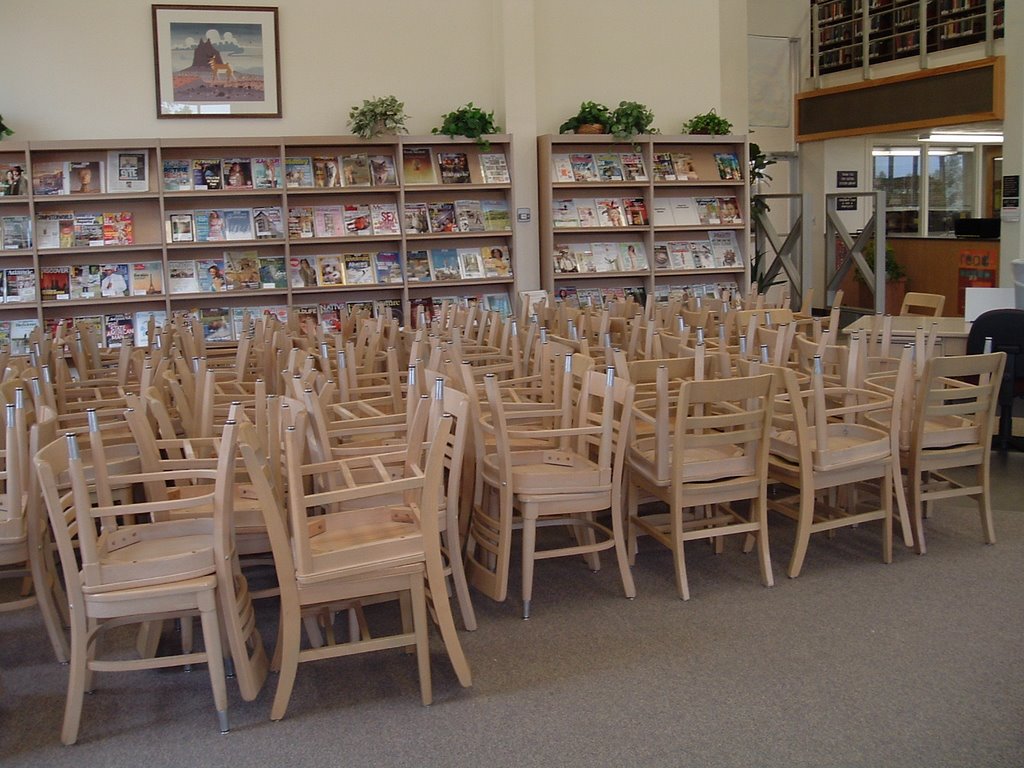
More scenes from the summer 2006 revamping. Pictured is the lower level of Stoxen Library. Bathrooms upgrades and computer lab installation has commenced.

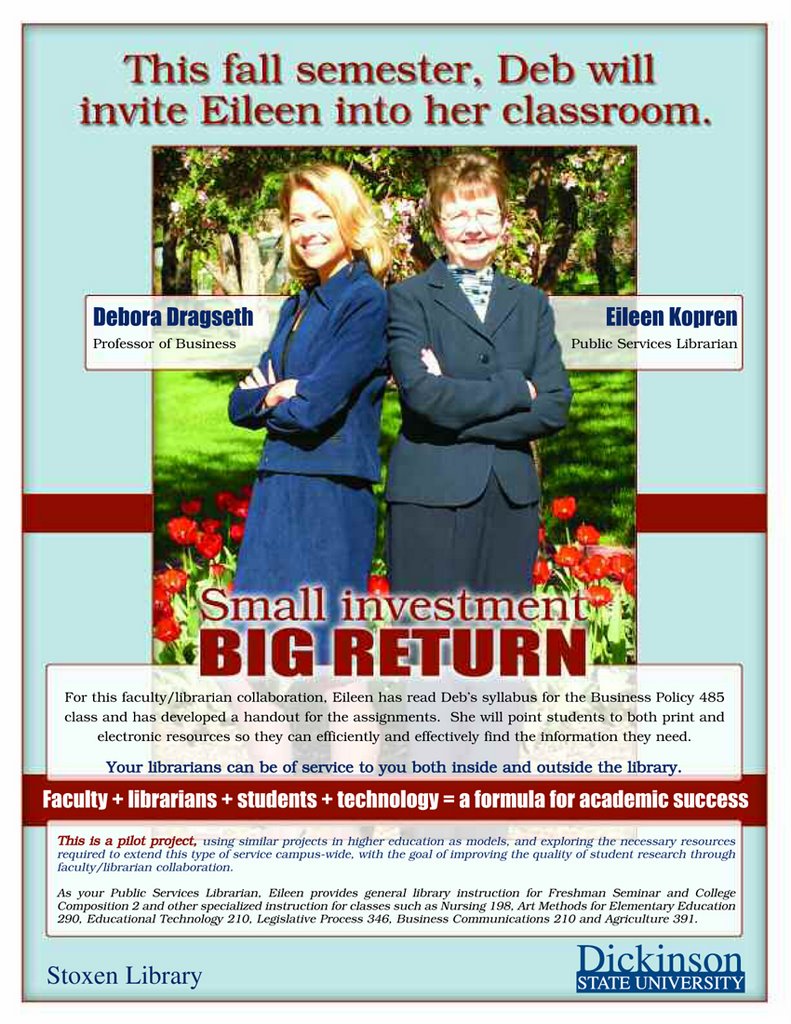
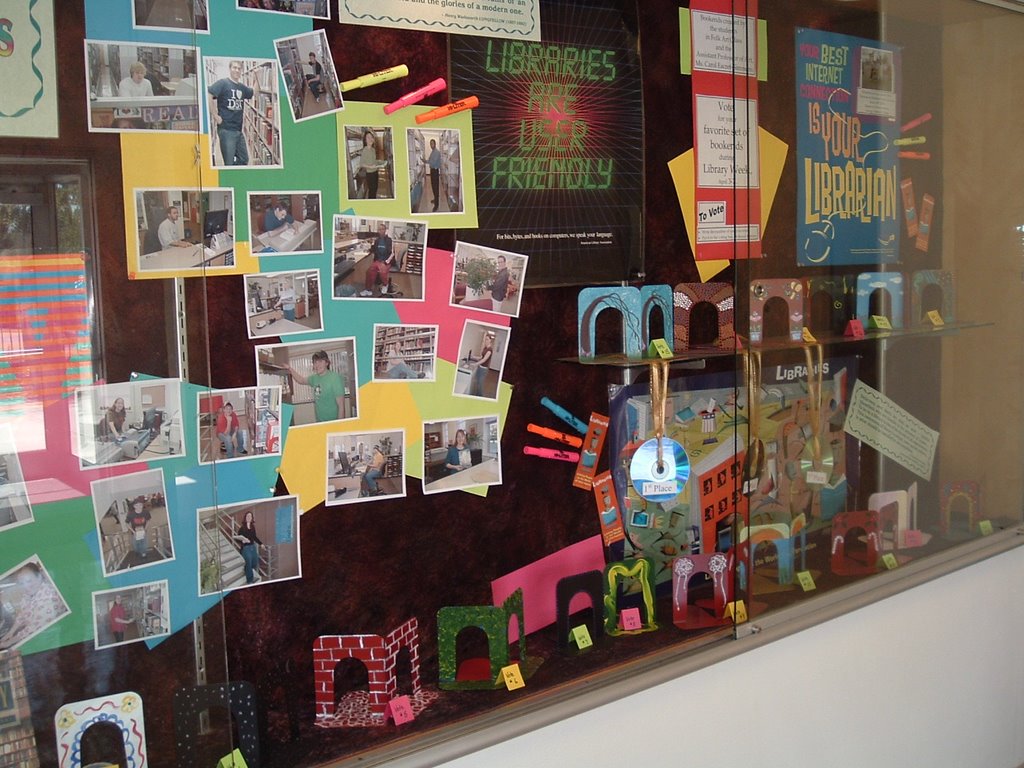
Some of you may be considering (or already are) using podcasting in your classes. Creative Commons has just created a Podcasting Legal Guide that addresses such topics as legal issues in creating your own podcast, issues in distributing your podcast and the basic background of podcasting. They have also included several links to other helpful websites including how to podcast, search engines and directories for podcasts and other websites with legal information regarding podcasts.
You asked for it – you got it! Many of you indicated that you missed our online listing of new materials available in the library. Well, it’s back. You will find it from our home page under Library Information, Services & Forms or follow this link http://www.dickinsonstate.com/lib_coldev.asp. The January listing is especially long as we are finally catching up with the backlog created by our new computer system. There’s sure to be something for everyone. Enjoy!

On the library homepage, we have added three links under the heading “More Helpful Links.” These three links are to either guides or tutorials on general research, plagiarism or copyright. Under the general research tools, there are tutorials for Academic Search Premier, CINAHL, Boolean connectors, evaluating the web, etc. There are also some general “this is how you do research” guides. The plagiarism list points to some really creative and “fun” sites that teach what is and isn’t plagiarism and how to avoid it. The copyright sites aren’t nearly as fun, but are extremely helpful if one is looking for copyright information. Although, all three categories have sites that are specific to particular universities, any of them have a wealth of helpful information. Kudos to
Want to renew materials without coming to the library? Start at the Library Homepage and click on My Library Account. You will be asked to sign-in with your DSU ID (the seven numbers on your ID…please do NOT include a W) and your password which is your last name. You will see your library card details. To renew materials (or see what you have currently checked out), click on the “loans/renew” link. Next click on the underlined number of the item you wish to renew. On the next screen, you will see the word “renew” underlined (or an error message if the material cannot be renewed). Click on this to complete the process.